How to post a chart in Slack
Post a chart to a Slack channel without leaving chat. Install the YakCharts Slack app and use the /yakchart slash command — or paste any YakCharts image URL and Slack unfurls it inline.
Slash command
/yakchart bar Q1 12 Q2 19 Q3 7Perfect for standups, metrics and quick what-ifs. See the chat use case →
See it work
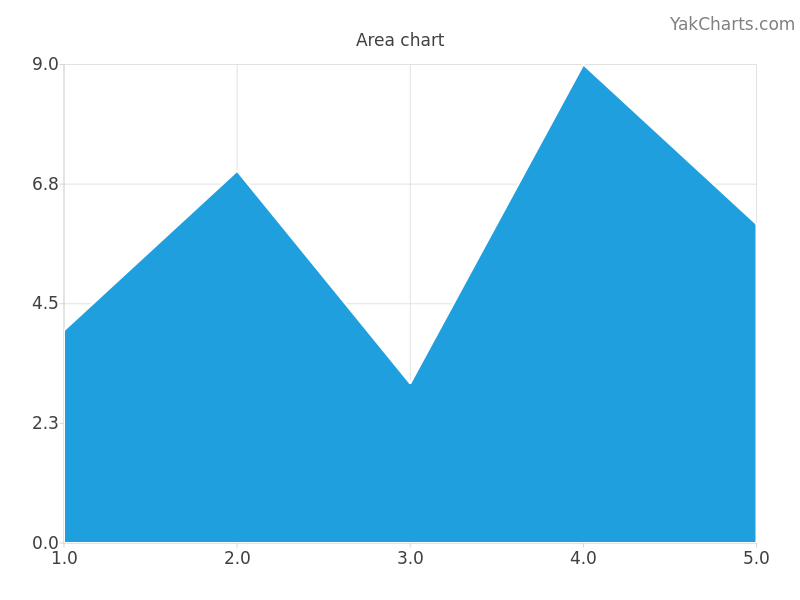
Put this chart in your own emails, reports and dashboards
YakCharts turns data into a PNG from a single URL — no charting library, no JavaScript, no screenshots. Free tier included; every plan has all 28 chart types.