How to apply a saved theme to a chart in YakCharts
Once your brand theme is saved, any chart can use it in one choice. Your colours, fonts and legend placement come with it.
Before you start
- A paid plan or an active free trial
- A saved theme (see Save a reusable brand theme). A theme saved in this browser session appears after you reload the Chart Editor.
Transcript
Give any chart your brand's colours, fonts and legend placement in one choice.
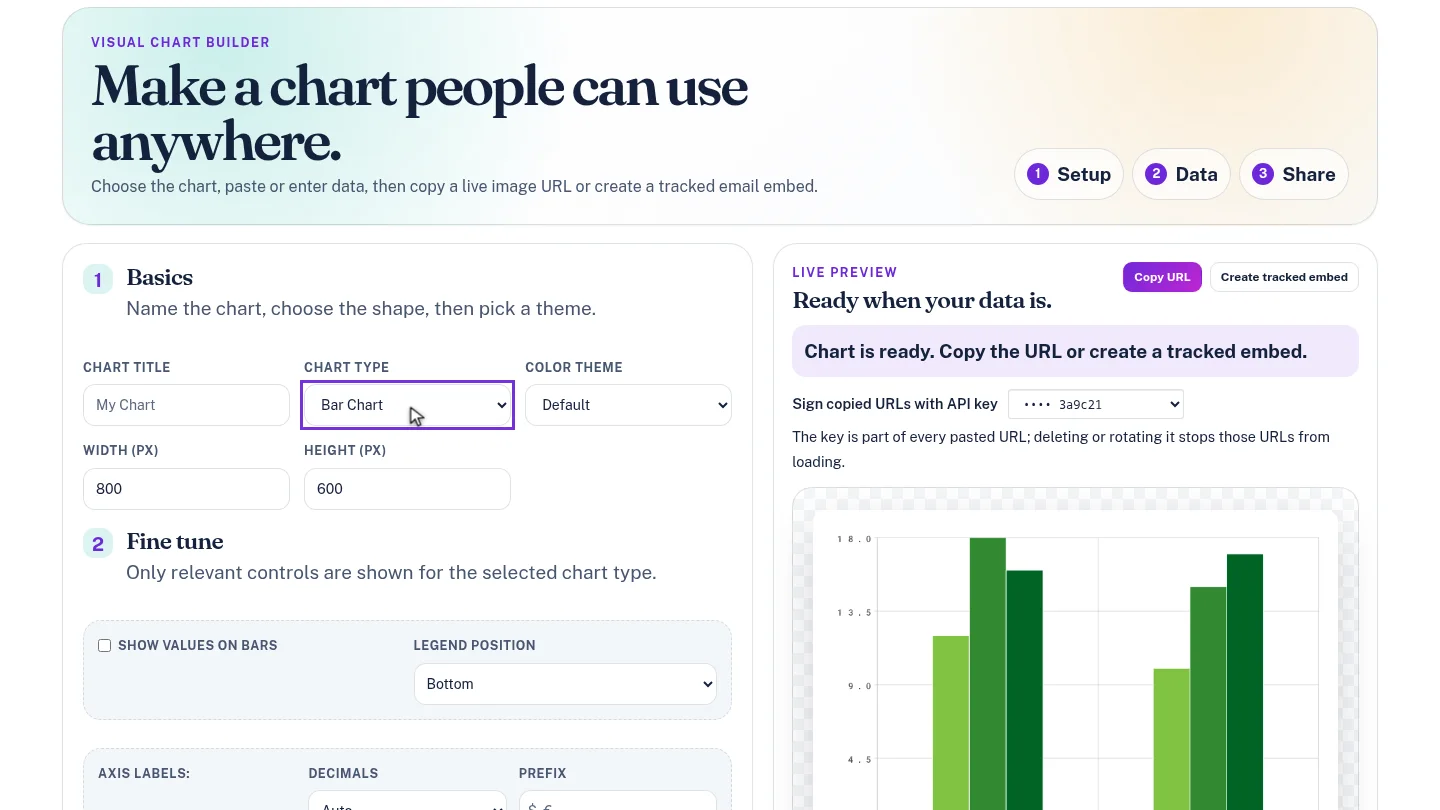
In the Chart Editor, set Chart Type to Bar Chart. The sample data gives you something to style.
Open Color Theme. Your saved themes are listed under the built-in ones. Choose Lantern and Oak brand, and the preview redraws in your colours.
Steps
Pick the chart ▶ 0:06
In Chart Editor, set Chart Type to Bar Chart.
Choose your theme ▶ 0:13
For Color Theme, choose your saved theme, listed by name after the built-in themes.
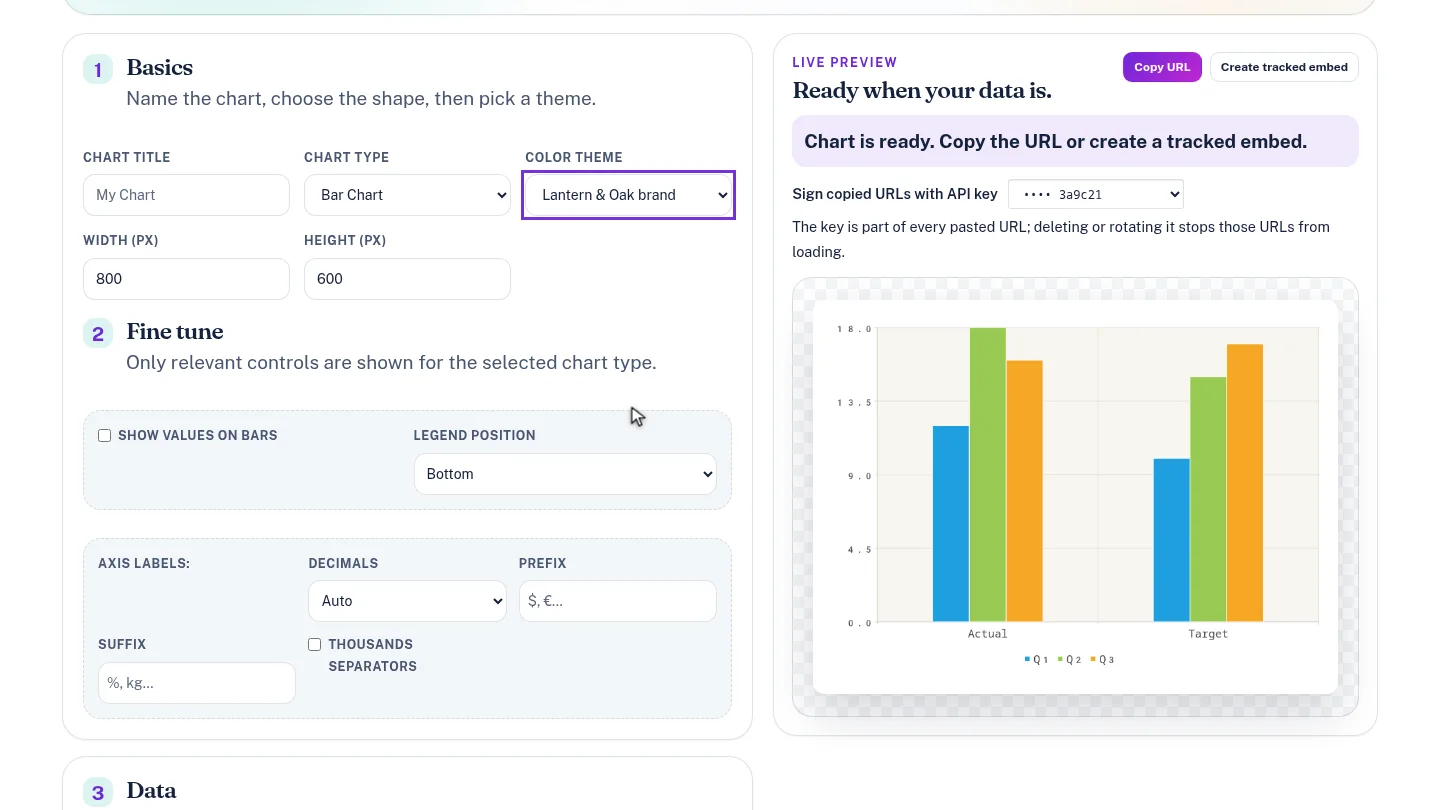
ResultThe preview redraws in the saved theme, and copied URLs and tracked embeds use it.
Next steps
Updated 2026-10-26
brand chart custom theme chart style