How to cancel your YakCharts subscription
You can cancel from the Account page at any time. You keep paid features until the end of the billing period you've paid for.
Before you start
- Owner or admin role
- A paid subscription
Transcript
Cancel your YakCharts plan. It stays active until the end of the period you've already paid for.
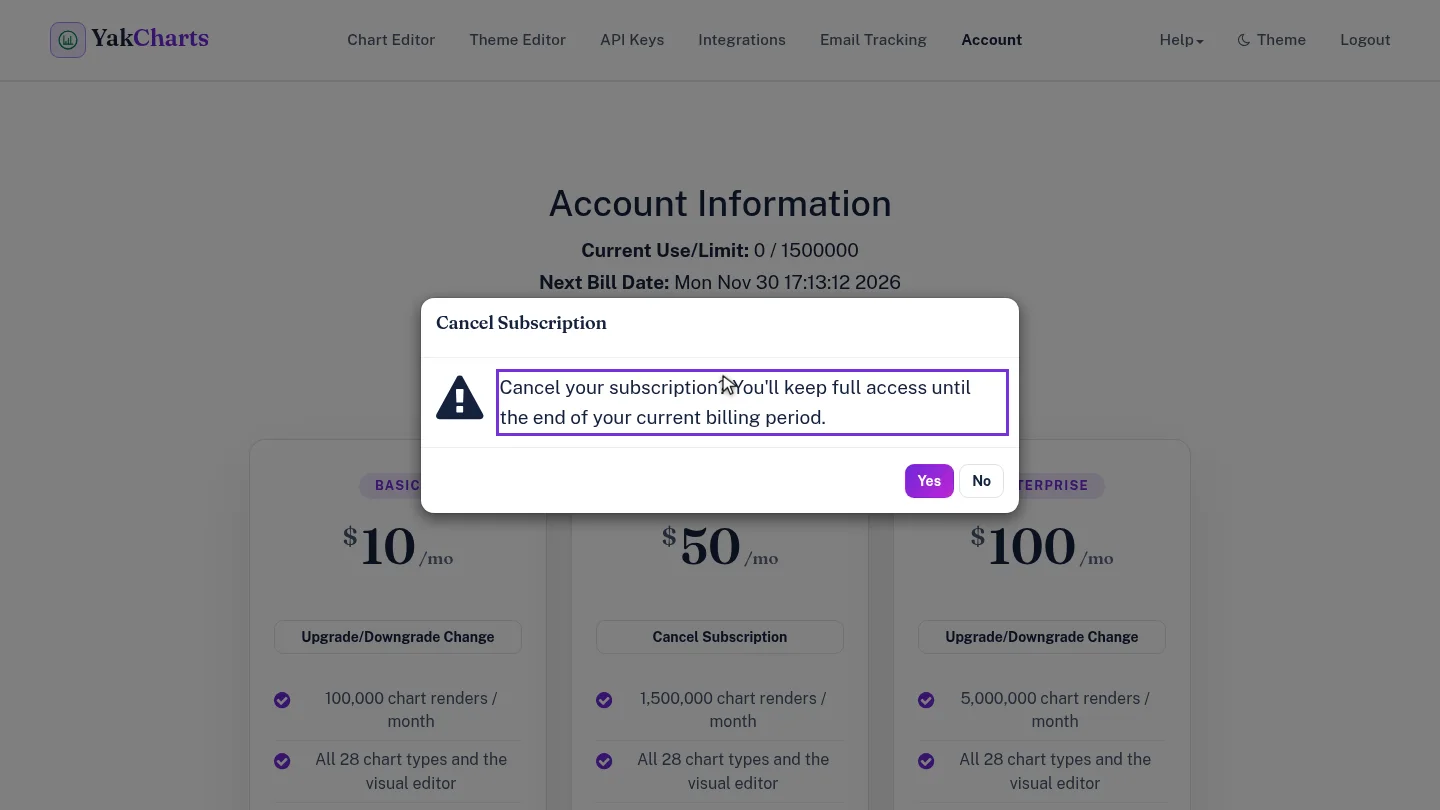
On the Account page, select Cancel Subscription. YakCharts reminds you that you keep full access until the end of the billing period.
Select Yes. YakCharts confirms the subscription is set to cancel at the end of the current billing period.
Steps
Cancel ▶ 0:07
In Account, select Cancel Subscription. The confirmation explains you keep full access until the end of the current billing period.
Confirm ▶ 0:16
Select Yes. Subscription cancellation confirms the end date is the close of the current billing period.
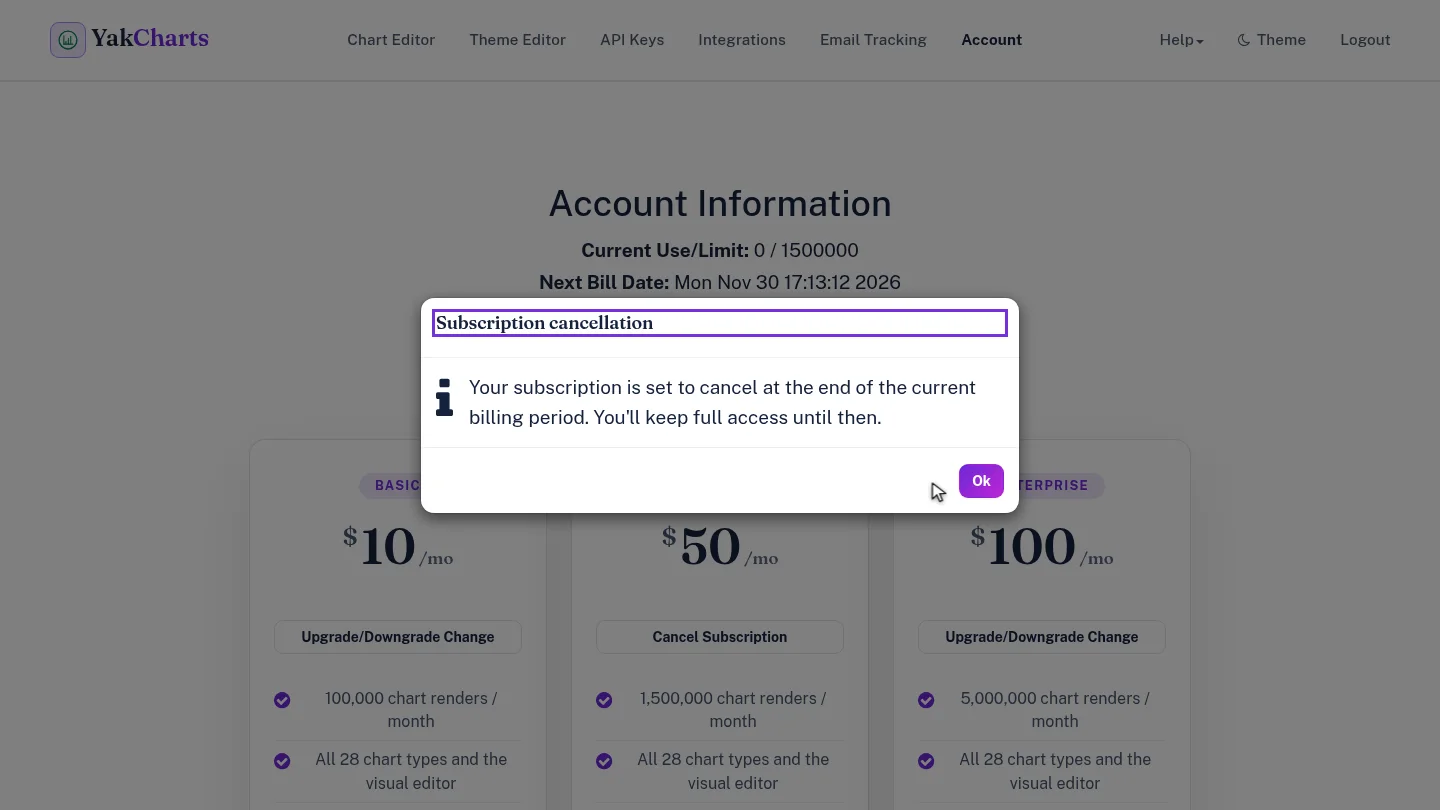
ResultSubscription cancellation confirms the subscription ends at the close of the current billing period. Billing then shows Cancels on and the end date, with Resume subscription if you change your mind.
Next steps
Updated 2026-10-26
cancel plan stop billing end subscription