How to delete an API key in YakCharts
When a system is retired, delete its key so it can't render charts on your account. Chart URLs that use the key stop loading.
Before you start
- A YakCharts account (the free plan includes the Chart Editor)
- The key is no longer used anywhere
Transcript
Revoke a key you no longer need, so it can't render charts on your account.
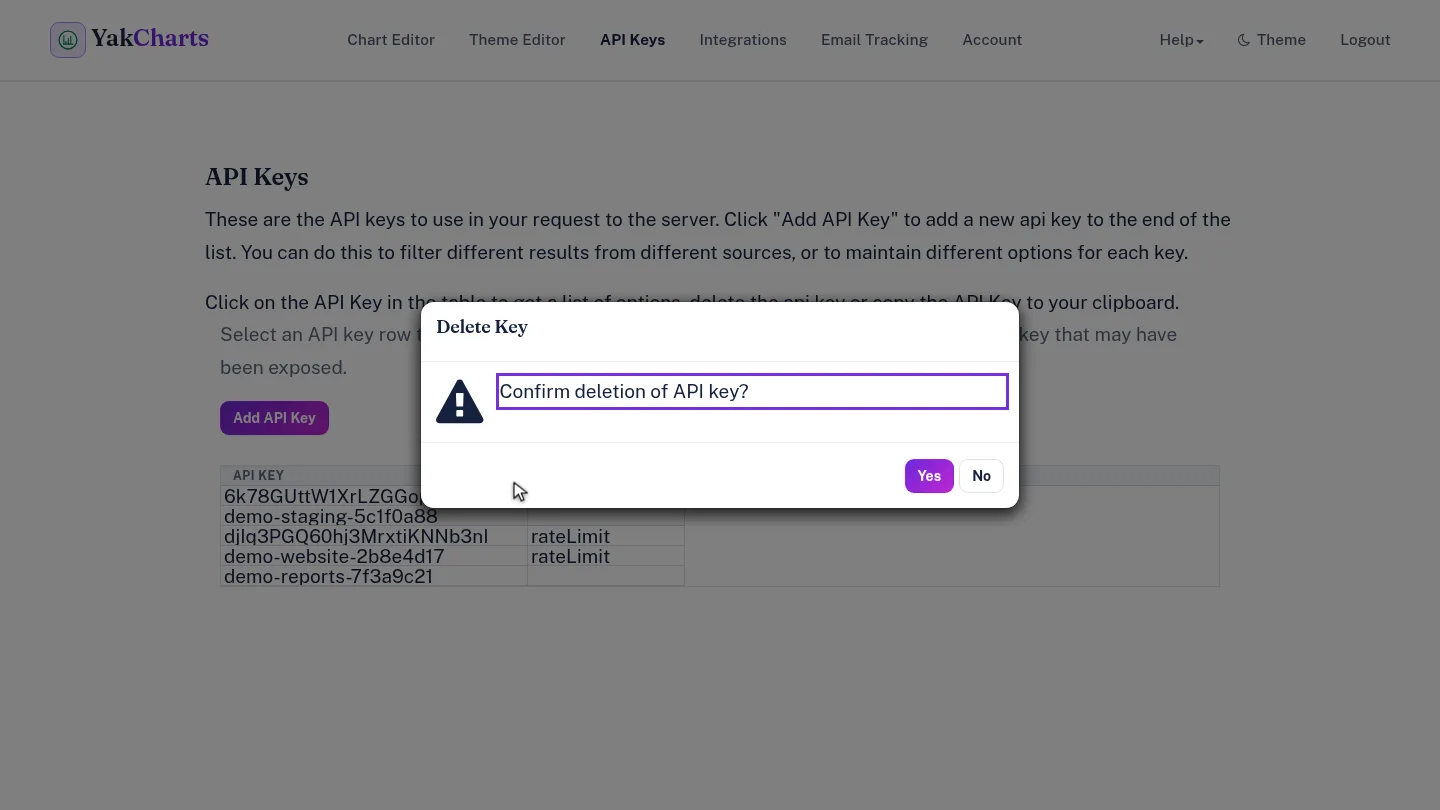
On API Keys, select the key's row, then select Delete API Key. Confirm with Yes. Deleting can't be undone.
The key is gone from the list. Any app or chart URL that still uses it stops working.
Steps
Delete and confirm ▶ 0:06
Select the key's row, select Delete API Key, then select Yes to confirm.
Check the list ▶ 0:15
The key no longer appears in API Keys.
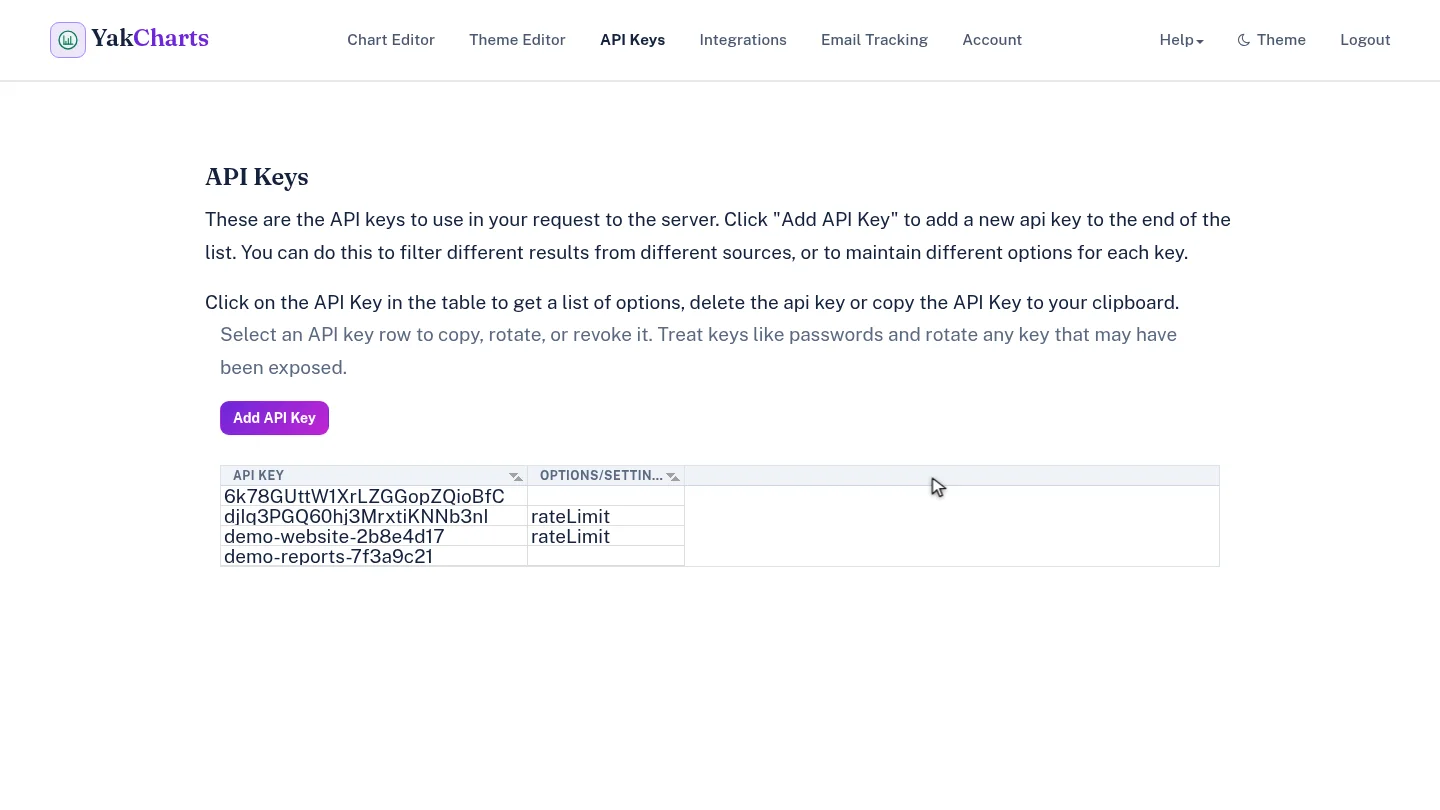
ResultThe key disappears from API Keys.
Next steps
Updated 2026-10-26
revoke api key remove key