How to copy a chart image URL in YakCharts
An image URL puts the chart anywhere that shows images: an email, a document, a status page. YakCharts signs the URL with your account's key and renders the chart as a PNG each time it loads.
Before you start
- A YakCharts account (the free plan includes the Chart Editor)
- At least one API key (YakCharts creates one for new accounts)
Transcript
Get an image link for your chart that works in any email or document.
When the status reads Chart is ready, select Copy URL. The chart's image address is now on your clipboard.
Paste it wherever you'd put an image link, such as an image block in your email tool. The chart loads as a PNG.
Steps
Copy the URL ▶ 0:06
When the status reads Chart is ready. Copy the URL or create a tracked embed., select Copy URL. No message appears; the URL is on your clipboard.
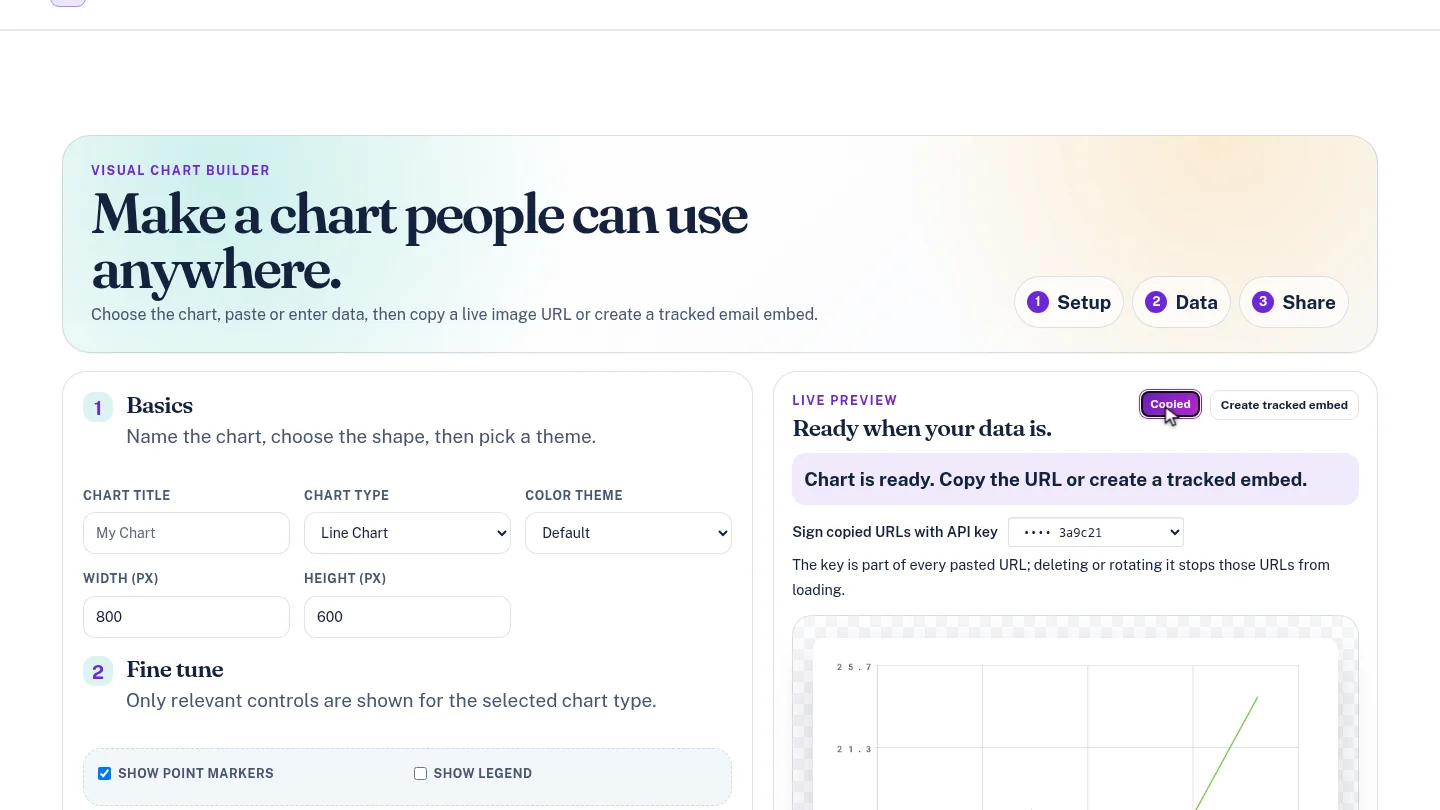
Paste it into your email or document ▶ 0:14
Paste the URL into an image block or image tag in your email tool, document or web page.
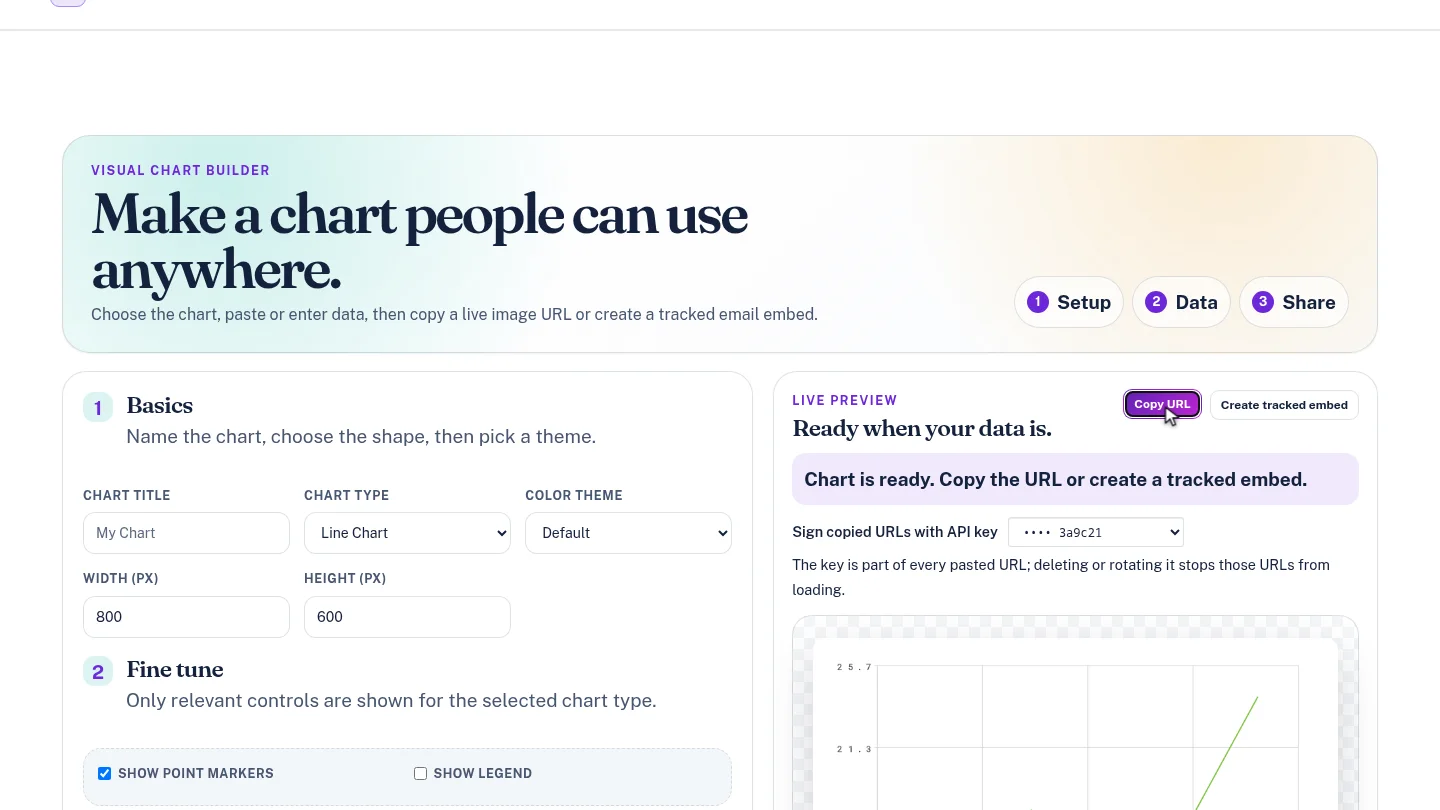
ResultThe chart's image URL is on your clipboard. On the free plan and during a trial the image carries a YakCharts watermark.
Next steps
Updated 2026-10-26
chart png url embed chart image image chart api chart link