How to create an API key in YakCharts
Give each system that renders charts its own key, so you can rotate or revoke one without breaking the others.
Before you start
- A YakCharts account (the free plan includes the Chart Editor)
Transcript
Create a separate key for each app that renders your charts, so you can replace one without touching the others.
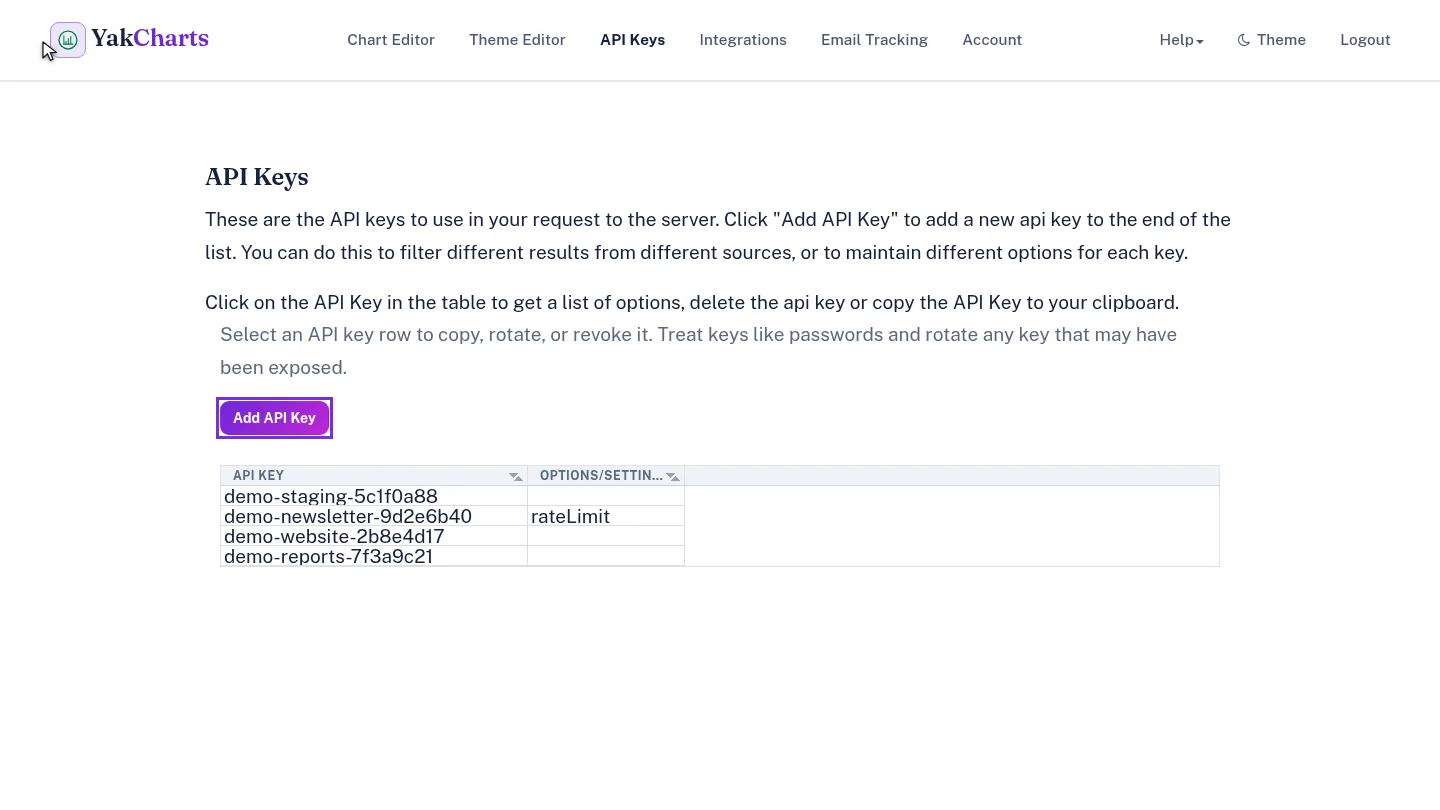
Open API Keys and select Add API Key. YakCharts generates the key for you; there's nothing to fill in.
The new key appears at the top of the list. Select it any time to copy it.
Steps
Add a key ▶ 0:08
In API Keys, select Add API Key.
Find the new key ▶ 0:16
The new key appears at the top of the list. Select its row to copy it.
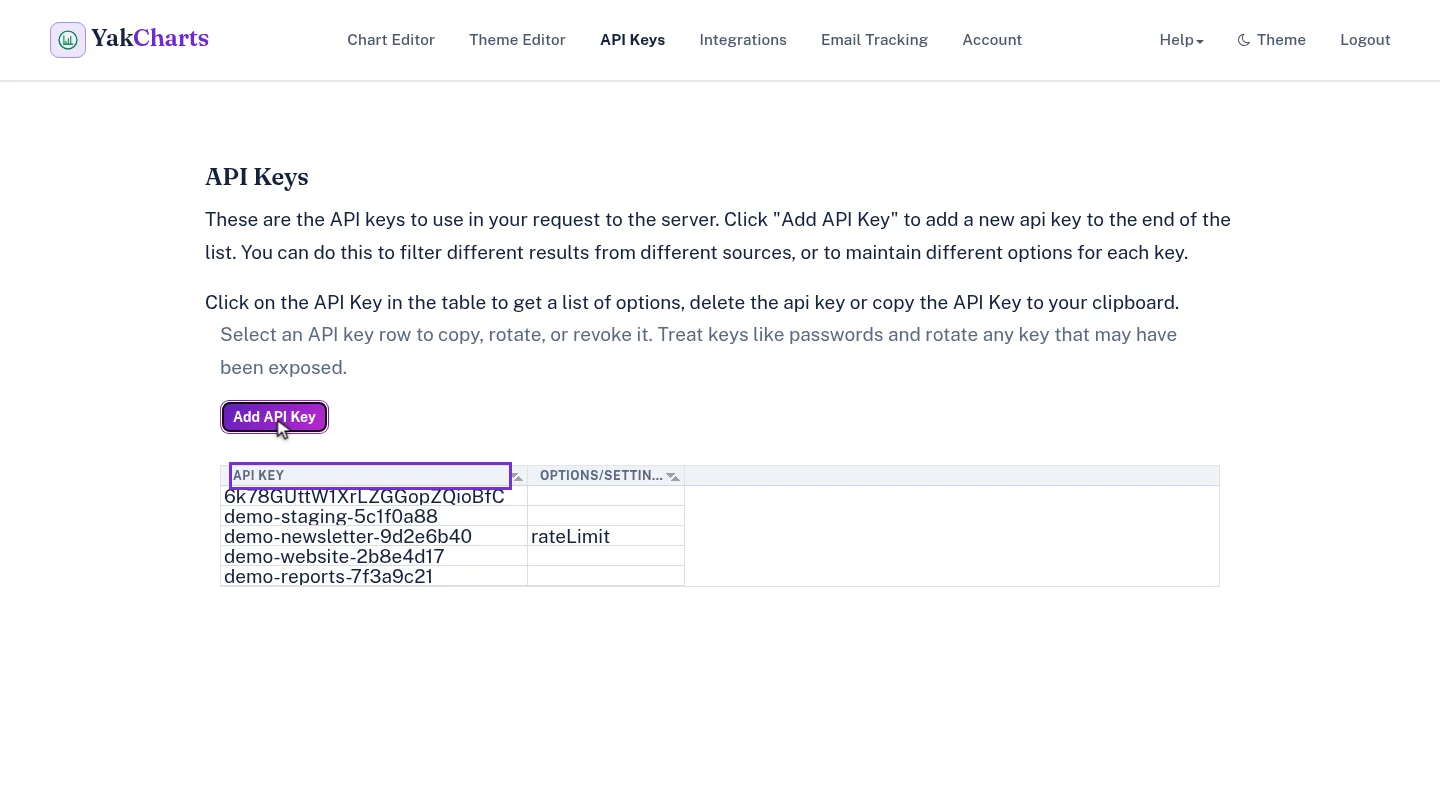
ResultA new key appears at the top of the API Keys list.
Next steps
Updated 2026-10-26
api key chart api developer key